
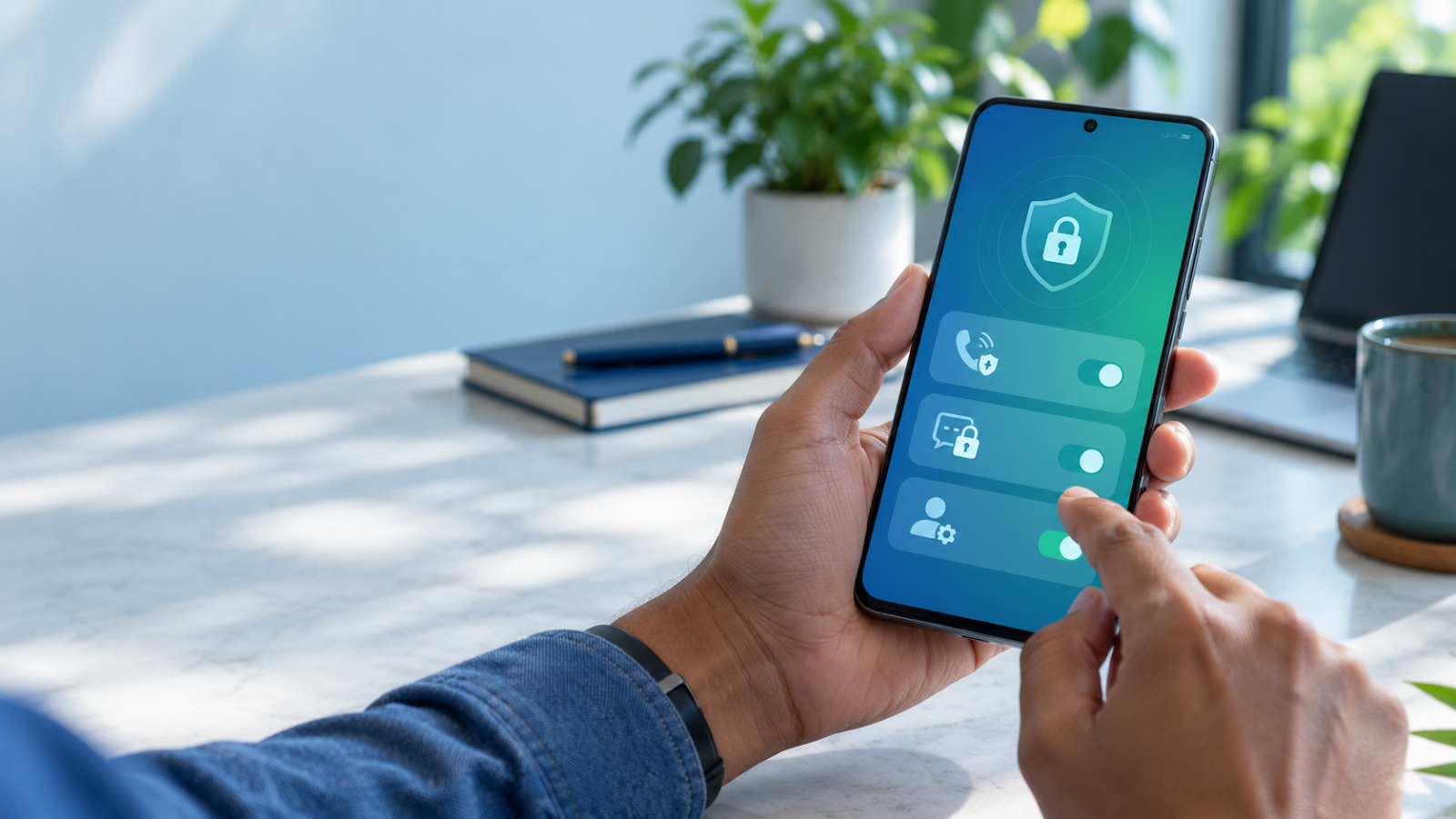
WhatsApp is used for family messages, work updates, payments and community groups. That makes account protection more important than simply choosing a private profile photo.
In January 2026, WhatsApp announced Strict Account Settings, an optional high-security mode for people who believe they may face a heightened risk of targeted cyber attacks. It is not a feature that every user needs to switch on. It adds stronger restrictions, and those restrictions can make ordinary WhatsApp use less convenient.
This guide explains what the setting does, where to find it, what it cannot protect, and how to decide whether it is appropriate for your account.
What Are WhatsApp Strict Account Settings?
Strict Account Settings is an advanced protection option that applies WhatsApp's most restrictive privacy and security controls to an account. WhatsApp says the feature is designed primarily for people who may face elevated risk from sophisticated cyber attacks, such as public-facing professionals, journalists, activists or others who have credible reasons to believe they may be targeted.
The feature is being rolled out gradually. Its availability, exact wording and supported controls can vary by device, app version and region. Update WhatsApp through the official app store before looking for it.
What Changes When You Turn It On?
| Area | What to expect | Why it matters |
|---|---|---|
| Unknown contacts | Stricter protections can limit attachments and media from people not saved in your contacts. | Reduces exposure to risky files or unexpected content. |
| Privacy defaults | The feature uses WhatsApp's most restrictive available settings. | Limits unnecessary visibility and contact pathways. |
| Convenience | Some normal workflows may become less convenient. | High-security settings involve trade-offs. |
| Availability | Controls may appear progressively after an app update. | Do not trust third-party pages claiming instant activation. |
WhatsApp's official announcement specifically notes that the mode can block attachments and media from people who are not in your contacts. This is helpful when an attacker attempts to deliver a malicious file through an unfamiliar number. It does not mean that every message, call, image or link becomes harmless.
How to Check Whether It Is Available
- Update WhatsApp only through Google Play, Apple App Store or an official device store.
- Open Settings.
- Choose Privacy.
- Open Advanced.
- Look for Strict Account Settings.
- Read the in-app explanation before enabling it.
If the option is absent, do not install a modified application or follow an activation link from a message. The safest response is to wait for the official rollout and keep the application updated.
Who Should Consider Using It?
This setting makes most sense for a person with a realistic, elevated risk profile. Examples may include people whose work makes them a frequent target of impersonation, harassment or sophisticated phishing.
- A journalist handling sensitive sources
- A public figure or public-facing professional
- A person dealing with persistent targeted harassment
- Someone warned by a legitimate organisation about a credible targeted threat
- A user who must receive sensitive messages but can accept stricter limitations
For most people, the better first step is to strengthen the ordinary settings that are already available: account verification, privacy controls, call screening, chat protection and safe handling of links.
Strict Account Settings vs Everyday Privacy Features
| Feature | Best use | Important limitation |
|---|---|---|
| Two-step verification | Protecting account registration with an additional PIN | Never share the PIN or SMS code with anyone. |
| Passkey | Safer sign-in and account recovery on supported devices | Protect the phone screen lock and recovery methods. |
| Silence unknown callers | Reducing unwanted calls from unfamiliar numbers | Silenced calls can still appear in the Calls tab. |
| Chat lock | Adding a device-authentication layer to sensitive chats | It does not make another participant trustworthy. |
| Advanced chat privacy | Reducing export, auto-download and some AI-feature use in a chat | It is not a guarantee that content cannot be copied by other means. |
| Strict Account Settings | Users facing potentially elevated targeted risk | It may restrict ordinary functionality and is rolling out gradually. |
Five Security Steps Worth Doing First
1. Enable two-step verification
Set a PIN that is not reused elsewhere and add an email address you control when WhatsApp offers that option. A verification code or two-step PIN should never be shared with a caller, recruiter, seller, bank representative or support agent.
2. Review Privacy Checkup
Go to Settings > Privacy and use Privacy Checkup, where available. Review who can see your profile photo, About, last seen, online status and Status updates. Restrict group-add permissions if unwanted group invitations are a problem.
3. Silence unknown callers
WhatsApp's Silence Unknown Callers feature stops unknown calls from ringing while leaving the calls visible in the Calls tab. This can reduce disruption from spam while preserving a record for review.
4. Lock only the chats that need it
Chat lock adds a further authentication layer and hides message content and contact information in notifications for locked chats. It is useful on a shared or occasionally unattended phone, but it cannot protect a chat if someone already knows your phone passcode or has full control of the device.
5. Treat urgent links and codes as untrusted
End-to-end encryption protects the contents of a legitimate WhatsApp conversation in transit. It does not verify that a sender's story, payment request or link is genuine. Independently call a saved number before acting on an urgent money request, account-warning message or unexpected verification prompt.
What Strict Account Settings Cannot Do
No single setting can guarantee account safety. Strict Account Settings cannot:
- Prevent a user from approving a fraudulent OTP or registration code
- Repair a phone already compromised by malware
- Make a weak phone lock secure
- Stop a trusted contact from manually copying information
- Verify that an investment, job offer or family-emergency request is genuine
- Replace software updates, backup planning and cautious link handling
Be especially cautious if someone asks you to share a six-digit registration code, transfer money, install a screen-sharing app, scan an unexpected QR code or move a conversation to another platform. These are common social-engineering patterns; a security setting cannot undo an action after credentials or money have been given away.
What to Do If You Suspect Account Takeover
- Do not share any code received by SMS, call or WhatsApp notification.
- Register your own phone number again through the official app if you have been signed out unexpectedly.
- Tell close contacts that suspicious messages may be sent from your account.
- Review linked devices and remove anything unfamiliar.
- Turn on two-step verification and update recovery information.
- Contact the official WhatsApp Help Center through the app or its verified support pages.
- If money was sent because of fraud, contact the bank or payment provider immediately and use the appropriate cybercrime reporting channel in your country.
Frequently Asked Questions
Is Strict Account Settings necessary for every WhatsApp user?
No. WhatsApp presents it as an option for people who may face elevated risk. Most users should begin with normal account-security and privacy controls.
Will it stop all spam or scam messages?
No. It can reduce some exposure, especially from unfamiliar contacts, but users still need to verify unusual requests independently.
Can I use it if I need messages from new customers or unknown contacts?
Consider the trade-off carefully. Stricter controls may interfere with legitimate first contact or attachments from people you have not saved.
Does end-to-end encryption protect me from fraud?
It protects message and call content from third-party interception in normal use. It does not prove that a sender, link, payment request or offer is genuine.
Conclusion
WhatsApp Strict Account Settings is a useful additional layer for people who believe they may be specifically targeted. For everyone else, its main lesson is simpler: reduce unnecessary access, secure the account with two-step verification or a passkey where available, screen unknown callers and never disclose verification codes.
Security is strongest when the app, phone lock, linked devices and the user's own verification habits work together.
Official Sources
- WhatsApp Blog: Strict Account Settings
- WhatsApp Help Center: Account security tips
- WhatsApp Help Center: Privacy settings
Information checked on 30 October 2026. Feature availability and menus can change as WhatsApp updates its applications. This article provides general cybersecurity education, not a guarantee against fraud or account loss.


